Open a file in full Excel from Teams
Is this you? I can see my Excel file in MS Teams, but when I click on it, it opens in a cut down version of Excel – within Teams. How do I get my file to open in the full version of Excel?

Is this you? I can see my Excel file in MS Teams, but when I click on it, it opens in a cut down version of Excel – within Teams. How do I get my file to open in the full version of Excel?

We’ve all been there. You’re in a Teams meeting. You’ve confidently shared your screen and you’re about to hit play on that important video—only to realize… no sound! There’s that awkward pause as you scramble to stop sharing, and the “Hold on, let me fix that” moment. But guess what? There’s a smoother way. 🔹…
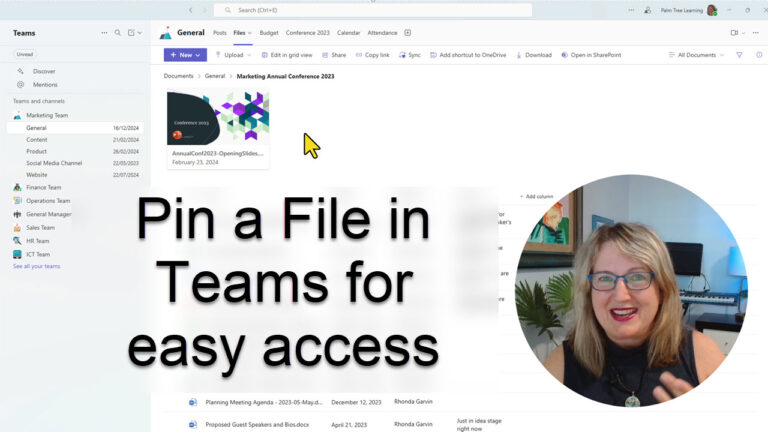
If there is a file that your team needs to access constantly, why not pin it in an obvious spot so that it is super easy for everyone to find.
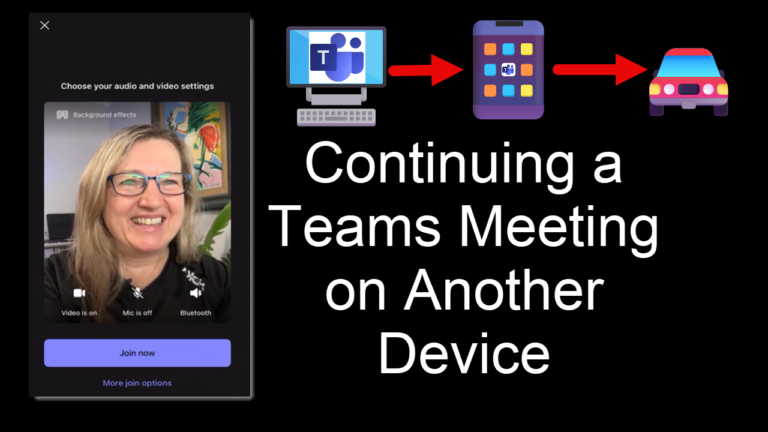
Running late for a Microsoft Teams Meeting? Need to leave a meeting before it’s done, but you want to stay in the meeting? Watch how I continue on the same meeting from laptop to phone to car, then back to phone and finally the laptop. Of course, do it all safely without walking into people!!

Microsoft Teams keeps getting better, and some features might have flown under the radar. Here are my top five picks that can enhance your meetings and collaboration: 1️⃣ Spacebar to Unmute: Need to chime in quickly? Hold down the spacebar to temporarily unmute during a meeting. Perfect for large calls or noisy environments when you…
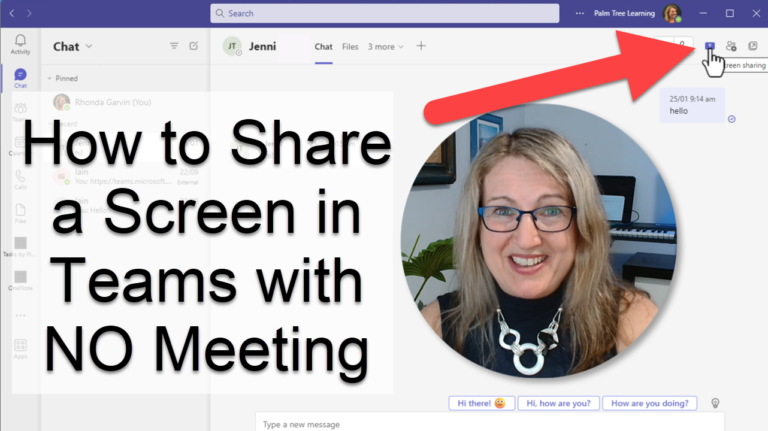
I was on the phone with a colleague recently, and we were talking about the way some software works on our computer, and after a while it became obvious that the conversation would be far easier if one of us shared their screen with the other, and that way we could see what we were…

Microsoft have been working on a whole new version of Teams and it’s rolling out now. Should you panic? Spoiler Alert: High chance you’ve already got it, and it’s business as usual.